

Booking and built-in Square payments for service businesses, billed per location
Is Square Appointments Worth It?
Square Appointments is worth considering if you run a salon, barbershop, nail or lash studio, spa or other appointment-based business in the US and want booking and payments in one place without paying per staff member. The Free plan costs $0 per location and covers online booking, reminders and checkout. Plus, at $49 per location a month, adds waitlist, processing time, multi-staff bookings, no-show fees and 500 marketing texts. Premium, at $149, adds room and station booking and 24/7 phone support. Card fees are part of the bill: 2.5% + $0.15 in person and 2.9% + $0.30 online on Plus, and higher on Free. It is a weaker fit if you run several locations, because each one pays the full fee, or if you want to use another card processor. Capterra reviewers praise its ease of use and online booking, and some complain about rising costs and limited advanced scheduling. We have not hands-on tested the product; this verdict is based on Square’s US pricing page, help articles and Capterra reviews checked on 14 Nov 2026.
Who It’s For
Good Fit If…
- Good Fit: You want to start on a $0 plan and upgrade only when you need waitlist, no-show fees or marketing texts
- Good Fit: You have several staff and do not want to pay per team member
- Good Fit: You want booking, checkout and card payments from one company
- Good Fit: You run a beauty or personal-care business in the US and want a free Square Go marketplace profile
- Good Fit: You do hair color or other services with downtime and want processing time on Plus
Not a Fit If…
- Not a Fit: You run several locations on a tight budget: each location pays the full Plus or Premium fee
- Not a Fit: You want to keep your own card processor; Square Appointments requires Square Payments
- Not a Fit: You run a health clinic and need HIPAA coverage confirmed: Square offers a Business Associate Agreement to HIPAA-covered sellers, but it was not confirmed for Square Appointments
- Not a Fit: Your business is outside the US: this profile covers US prices only
- Not a Fit: You need a verified hands-on Tool Checked product test or ranked score before deciding (not published on this profile)
Business types: Barbershop · Beauty & Wellness · Day Spa · Hair Salon · Lash & Brow · Makeup Artist · Massage Studio · Med Spa · Nail Salon · Skin Care & Esthetician · Tanning Salon · Tattoo & Piercing
Pricing & Total Cost
| Plan | Price (USD) | Staff | Includes |
|---|---|---|---|
| Free | $0 /month per location (US) | Unlimited calendars; official pricing page says there is no employee limit |
|
| Plus | $49 /month per location (US); 30-day free trial | Unlimited calendars; no employee limit |
|
| Premium | $149 /month per location (US); 30-day free trial | Unlimited calendars; no employee limit |
|
- Card processing 2.9% + $0.30 (built-in processor required)
- In-person card rates (tap, dip or swipe) are 2.6% + $0.15 on Free, 2.5% + $0.15 on Plus and 2.4% + $0.15 on Premium.
- Online and invoice payments are 3.3% + $0.30 on Free and 2.9% + $0.30 on Plus and Premium. Keyed-in payments and cards on file are 3.5% + $0.15 on every plan.
- The calculator uses Plus at $49 per location a month and the Plus online and invoice card rate of 2.9% + $0.30. In-person payments on Plus cost less (2.5% + $0.15) and Free online payments cost more (3.3% + $0.30), so your real card costs depend on how clients pay. Appointment reminders count as included; marketing texts are not in the calculator totals.
- International cards add 1.5% on top of the base rate. Afterpay is 6% + $0.30. ACH on invoices is 1% with a $1 minimum ($10 cap on Plus and Premium; no cap listed on Free). ACH through the API is 1%, $1 minimum, $5 cap. ACH into Square Checking is $0.
- Gift-card loads cost 2.5% on Free and Plus and 0% on Premium.
- SMS marketing is not on Free. Plus includes 500 texts per account per month, then 3¢ per text; Premium includes 2,500, then 1.5¢. Appointment reminders are separate from marketing texts.
- Optional Square Payroll is $35/month + $6 per person paid (contractor-only payroll is $6/month per person paid). It is not in the calculator totals.
- Hardware is extra: the pricing page lists options starting at $59, and Square lists a free magstripe reader. Tap to Pay on iPhone or Android needs no reader. Square Kiosk and KDS have per-device monthly fees on Plus and Premium.
- Custom pricing may be available above $250,000 a year in card volume; those rates are not published.
- Sellers still on older, individually priced plans may see different rates in their Square Dashboard.
- These are US list prices; prices in other countries were not checked.
Pricing shown for the US market in USD; local pricing and taxes may vary.
Real Cost by Business Size
| Business Size | Cost Items | Monthly Total | 12-Month Total | Assumptions |
|---|---|---|---|---|
| Solo — Free, 1 location, subscription only |
| $0 | $0 | Free plan $0/month per location. No card volume, hardware, payroll, SMS overage or gift-card loads modeled. US list prices checked 14 Nov 2026. Illustrative calculations from published prices, not observed customer spending. The 12-month figure repeats the same monthly assumptions at unchanged rates. Source |
| One location — Plus (calculator plan), subscription only |
| $49 | $588 | Plus $49/month per location, month-to-month. No card volume, hardware, payroll, SMS overage or gift-card loads modeled. US list prices checked 14 Nov 2026. Illustrative calculations from published prices, not observed customer spending. The 12-month figure repeats the same monthly assumptions at unchanged rates, not an annual-price quote (an annual discount for these plans was not verified). Source |
| Two locations — Plus, subscription only |
| $98 | $1,176 | Plus is billed $49/month for each location you run. Two locations = $98/month. Same exclusions as the one-location Plus scenario. US list prices checked 14 Nov 2026. Source |
Which Plan Should You Pick?
| Plan | Pick It If… | Upgrade When… |
|---|---|---|
| Free | You want a $0 subscription and can accept the Free-plan card rates and feature limits (no waitlist, no SMS marketing, no multi-location tools). | You need waitlist, cancellation/no-show fees, processing time, multi-staff bookings, SMS marketing, email campaigns, or a lower online card rate. |
| Plus | You run one or more locations and need waitlist, no-show protection, marketing texts, or the Plus online rate. This is the plan used in the 12-month calculator. | You need Premium-only tools such as resource/room booking, future-bookings and team-performance reports, 24/7 phone support, 2,500 marketing texts at 1.5¢ overage, 0% gift-card load, or the 2.4% + $0.15 in-person rate. |
| Premium | You need rooms/resources, deeper appointment reports, 24/7 phone support, or the Premium in-person rate and gift-card terms. | Above $250,000 a year in card volume, ask Square whether you qualify for custom pricing. |
Price History
| Checked | Plan | Price | Source |
|---|---|---|---|
| 14 Nov 2026 | Plus | $49 /month per location; Free $0, Premium $149 per location; 2.9% + $0.30 online, 2.5% + $0.15 in person on Plus | Source |
Features
| Feature | Free | Plus | Premium | Notes |
|---|---|---|---|---|
| Online booking website and widget | ✓ | ✓ | ✓ | Source |
| Appointment reminders (text and email) | ✓ | ✓ | ✓ | Source |
| Appointment deposits and prepayments | ✕ | ✓ | ✓ | Square’s pricing table lists appointment deposits and prepayments on every plan, including Free; its help article on cancellation and prepayment policies covers Plus and Premium only. This profile follows the help article. Source |
| Cancellation policy and no-show fees | ✕ | ✓ | ✓ | Source |
| Waitlist | ✕ | ✓ | ✓ | Source |
| Processing time (e.g. color processing) | ✕ | ✓ | ✓ | Source |
| Multi-staff appointment booking | ✕ | ✓ | ✓ | Source |
| Class booking and packages | ✕ | ✓ | ✓ | Source |
| Multi-location management | ✕ | ✓ | ✓ | Source |
| Google Calendar sync | ✕ | ✓ | ✓ | Source |
| Bookings API | ✕ | ✓ | ✓ | Source |
| Email marketing (unlimited campaigns) | ✕ | ✓ | ✓ | Source |
| SMS marketing | ✕ | – | – | Source |
| Resource management (rooms, chairs, stations) | ✕ | ✕ | ✓ | Source |
| In-person card rate (tap, dip, or swipe) | – | – | – | Source |
| Online or invoice card rate | – | – | – | Source |
| Keyed-in or card-on-file rate | – | – | – | Source |
| Gift-card load fee | – | – | – | Source |
| Phone support | – | – | – | Source |
Features for Your Business
| Processing / gap time booking | Higher Plans |
| Retail products & stock | ✓ |
| Spa packages & memberships | Higher Plans |
| Book several technicians at once | Higher Plans |
| Required deposits per service | Higher Plans |
What It Can and Can’t Do
Booking
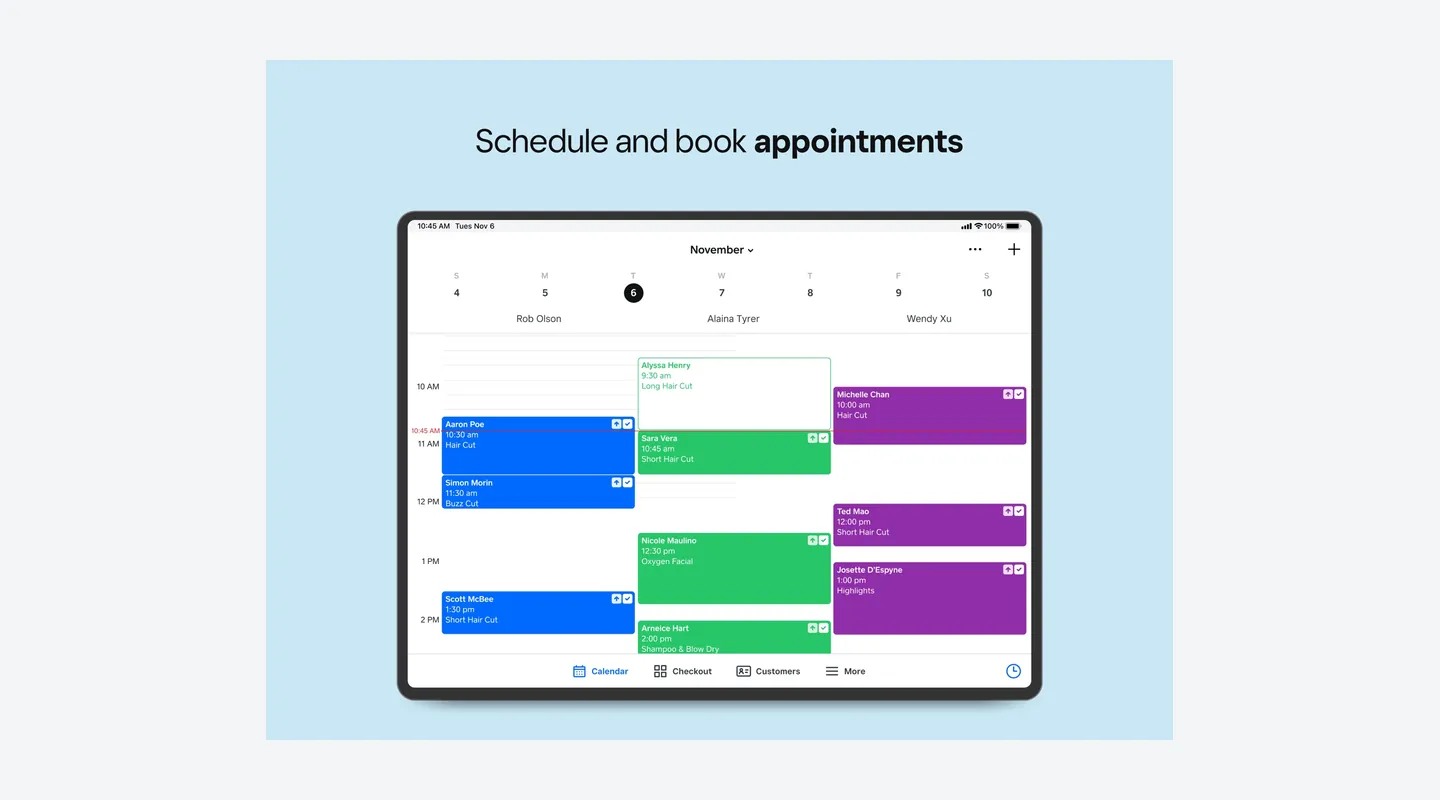
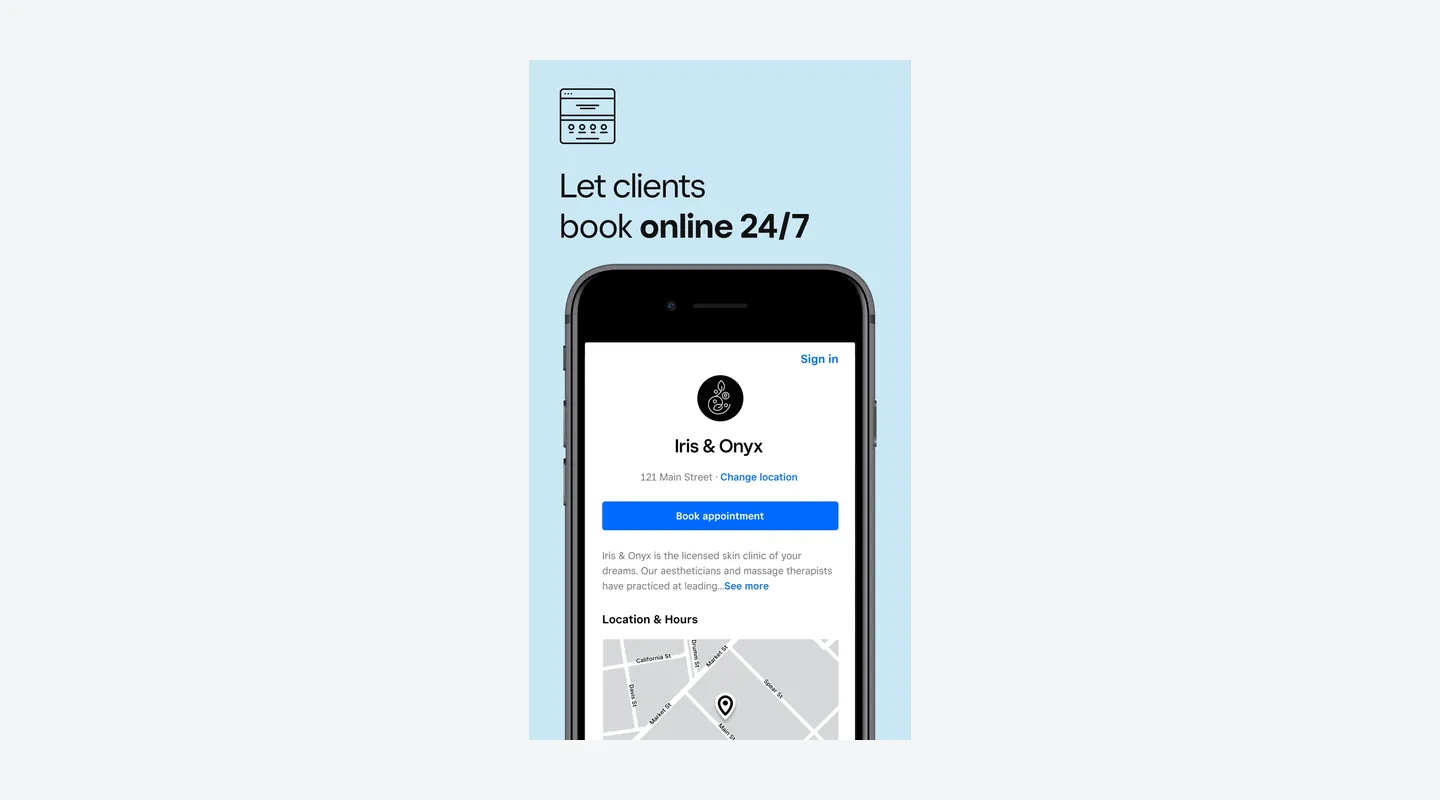
- Supported: Let clients book 24/7 on a booking website, widget, QR code or Book Now button
- Supported: Send automatic email and SMS appointment reminders
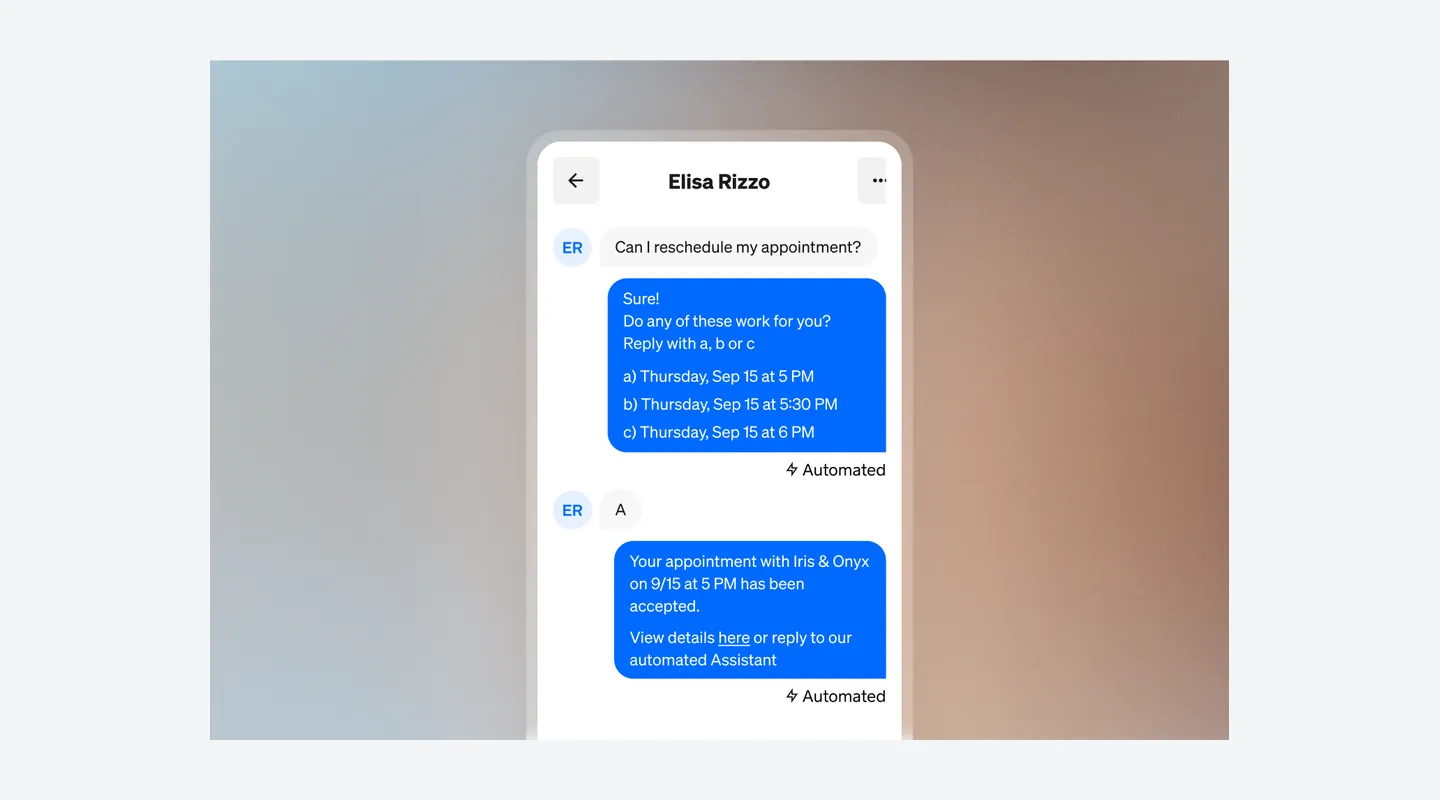
- Supported: Use waitlist, processing time and multi-staff bookings on Plus and Premium
- Supported: Collect deposits and set cancellation and no-show fees on Plus and Premium
- Limitation: Resource/room/chair assignment is listed only on Premium, not on Plus (the calculator plan)
- Limitation: Square’s help center documents cancellation, no-show fee and prepayment policies for Plus and Premium only, although the pricing table lists deposits and prepayments on every plan
Payments
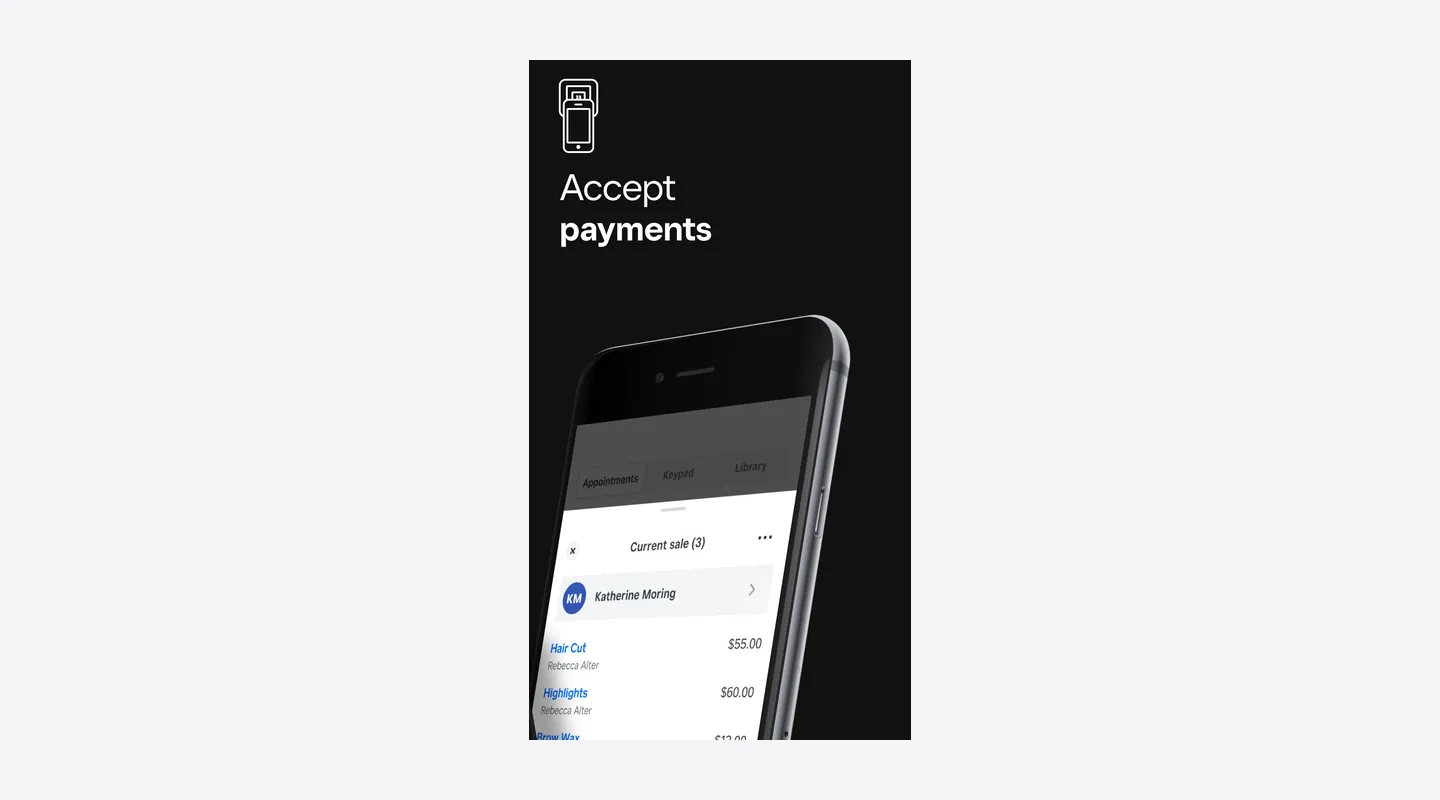
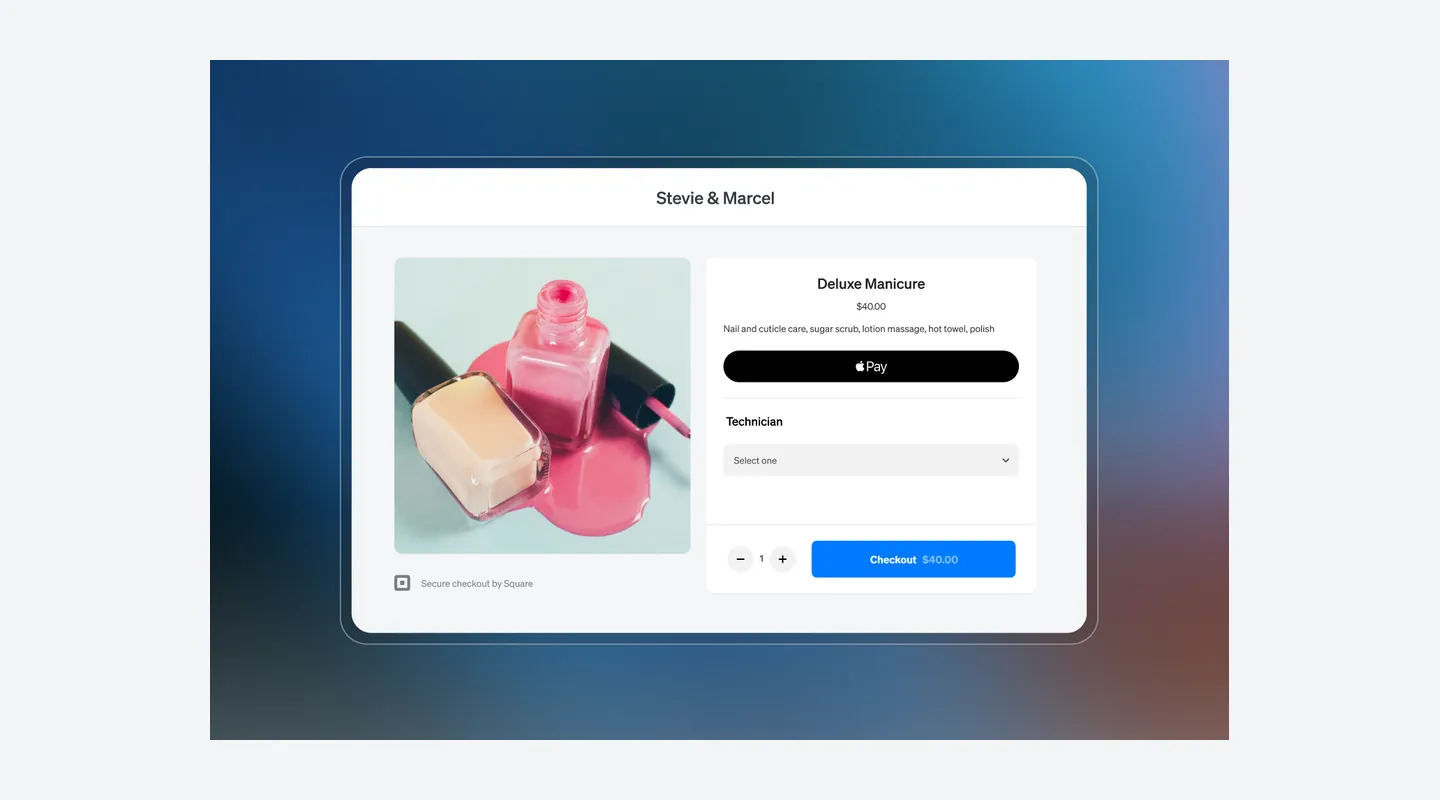
- Supported: Take in-person cards (tap, dip, swipe), Tap to Pay, digital wallets, invoices and cards on file through Square Payments
- Supported: Accept ACH on invoices, Afterpay, Cash App Pay, cash and checks
- Supported: Sell physical and eGift cards
- Limitation: You cannot use a third-party card processor instead of Square Payments
- Limitation: Square Go does not accept payments yet
Marketplace and Apps
- Supported: Eligible US beauty and personal-care businesses can appear on the free Square Go iOS marketplace
- Supported: Staff can use the Square Appointments iOS app; Square also points sellers to Square Point of Sale on iOS and Google Play with bookings mode
- Limitation: Square Go has no Android app yet
- Limitation: On Android, Square points sellers to Square Point of Sale in bookings mode; a standalone Square Appointments Android app was not confirmed
See It in Action
Pros & Cons
- Pro: Free plan at $0 per location with online booking, appointment reminders and payments
- Pro: No per-staff fee and no employee limit on any plan
- Pro: Plus and Premium include a 30-day free trial, and you can cancel or switch plans anytime
- Pro: Payments, Tap to Pay and checkout are built in, so there is no separate processor to set up
- Pro: Eligible US beauty and personal-care businesses can get a free Square Go marketplace profile
- Con: Waitlist, processing time, multi-staff bookings, no-show fees and SMS marketing start at Plus
- Con: Plus and Premium are billed per location, so each extra site adds the full monthly fee
- Con: Card rates vary by channel: keyed or card-on-file is 3.5% + $0.15 on every plan, and Free online payments are 3.3% + $0.30
- Con: Payments must go through Square; you cannot use another card processor
- Con: Room, chair and station booking is Premium only; Square Go is iOS-only and does not take payments yet
Contract & Cancelling
- Contract
Monthly, cancel anytime
- Cancellation Fee
No cancellation fee or locked-in contract is listed: the pricing page says you can cancel or switch anytime, and Square’s fees page lists no early termination fee. After a downgrade, the previous plan’s features stay until the new billing cycle starts.
- How to Cancel
In Square Dashboard, go to Settings > Account & Settings > Pricing & subscriptions to unsubscribe, change plans or pause. A pause can last up to three months; paid features stop at the end of the current billing period and the plan resumes automatically afterward.
Support
- Channels
Email, Live chat, Phone, Help center
- Hours
Chat and email on all plans. Phone: Free 6am–6pm PT Mon–Fri for the first 90 days; Plus 6am–6pm PT Mon–Fri; Premium 24/7.
Integrations & Security
- Works With
Built-in Square Payments and Square Point of Sale; Square Online; Square Go marketplace (eligible US beauty and personal-care businesses; iOS client app); Google Calendar sync (Plus and Premium); Bookings API (Plus and Premium); Afterpay, Apple Pay, Google Pay, Cash App Pay and Tap to Pay
What Users Say
What Reviewers Liked
- Liked: Easy to use and quick to learn — several reviews, including two hairstylists (2024–2026). Capterra
- Liked: Clients can book online without back-and-forth calls — several reviews, including a lash tech and a massage therapist (2024–2026). Capterra
- Liked: The free plan is enough to get started — a few reviews (2024–2026). Capterra
- Liked: Payments and scheduling work together in one place — a few reviews (2024–2026). Capterra
Concerns Reviewers Raised
- Concern: Costs rose as the business grew or prices went up — a few reviews (2025–2026). Capterra
- Concern: Advanced or multi-staff scheduling feels limited or confusing — a few reviews (2025–2026). Capterra
- Concern: Bugs, frequently changing menus or disappointing support — a few reviews (2025–2026). Capterra
- Concern: Missing intake forms or a client referral program, and deposits hard to set up — two reviews (2024–2026). Capterra
Qualitative summary: based on 15 Capterra reviews we read, dated 2024–2026. Capterra shows 4.5/5 from 263 reviews, shared with GetApp and Software Advice and counted once. Some reviewers are hairstylists, a lash tech, a massage therapist and a cosmetologist; others run general service businesses or work in offices. This is not a representative survey or hands-on testing by Tool Checked. Check Square’s official pages for current pricing and terms.
FAQ
How much does Square Appointments cost?
In the US, Free is $0, Plus is $49 and Premium is $149 per location per month. Plus and Premium each include a 30-day free trial, and you can cancel or switch plans anytime. Card processing fees are charged on top. Whether a card is needed to start the trial was not verified.
SourceDoes Square Appointments charge per staff member or per location?
Per location, not per staff member. The pricing page says there is no employee limit, and on Plus and Premium the monthly fee applies to each location you run, so a second location adds another $49 (Plus) or $149 (Premium) a month. Free is $0 per location.
SourceWhat are the card processing fees?
In person, rates are 2.6% + $0.15 on Free, 2.5% + $0.15 on Plus and 2.4% + $0.15 on Premium. Online and invoice payments are 3.3% + $0.30 on Free and 2.9% + $0.30 on Plus and Premium. Keyed-in payments and cards on file are 3.5% + $0.15 on every plan. Cards issued abroad add 1.5%, and Afterpay is 6% + $0.30.
SourceCan I collect deposits or charge no-show fees on the Free plan?
Treat both as Plus and Premium features. Square’s help article on cancellation and prepayment policies is written for Plus and Premium subscribers, and the pricing page lists cancellation policies and no-show fees on Plus and Premium only. However, the same pricing page also lists appointment deposits and prepayments on every plan, including Free. Because Square’s own sources disagree, confirm in your Square Dashboard before relying on deposits on Free.
SourceDoes it include text marketing?
Appointment reminders by text and email are on every plan. SMS marketing is not on Free. Plus includes 500 marketing texts per account per month, then 3¢ per text; Premium includes 2,500, then 1.5¢. The allowance is per account, not per location.
SourceWhat hardware do I need, and what does it cost?
You can take contactless payments with Tap to Pay on iPhone or Android without a reader. The pricing page says hardware options start at $59, and Square lists a free magstripe reader. Kiosk and KDS software have separate per-device monthly fees on Plus and Premium.
SourceCan I cancel anytime, and can I pause?
Yes. The pricing page says you can cancel or switch plans anytime, and Square lists no early termination fee. From your Square Dashboard you can unsubscribe, change plans or pause for up to three months; paid features stop at the end of the current billing period and the subscription resumes automatically.
SourceDoes Square Go charge a marketplace commission?
No commission is listed. Square describes Square Go as a free marketplace and client app for eligible US beauty and personal-care businesses. To get a free profile you need online booking and at least one client booking in the last 30 days. Square Go is iOS only and cannot take payments at this time.
SourceIs Square Appointments available outside the US?
Square runs sites for other countries, but this profile uses US prices and US help articles only. Prices and features elsewhere were not checked and may differ, and Square Go is described as US-only.
SourceSources & How We Rate
- Square Appointments pricing page — Checked 14 Nov 2026
- Square Appointments fee / payments policy — Checked 14 Nov 2026
- Square Appointments home — Checked 14 Nov 2026
- Manage Square subscriptions — Checked 14 Nov 2026
- Cancellation and prepayment policies — Checked 14 Nov 2026
- Square Go — Checked 14 Nov 2026
- Use Square Go with appointments — Checked 14 Nov 2026
- Square Payroll — Checked 14 Nov 2026
- Square Assistant — Checked 14 Nov 2026
- Google Calendar sync — Checked 14 Nov 2026
- Capterra: Square Appointments — Checked 14 Nov 2026
- App Store: Square Appointments — Checked 14 Nov 2026
Scores are never for sale. Some links are affiliate links (marked), which may earn us a commission at no cost to you.
Sponsored listings are always labeled. Our Methodology